Station 04 · Camera
The intake camera: Oopbuy's free photos and the paid extras
Generally three free photos, a weight and size overlay, and two paid services for everything else. Here is how to read them and what to ask for.
CameraGenerally three: front, back, side or logo
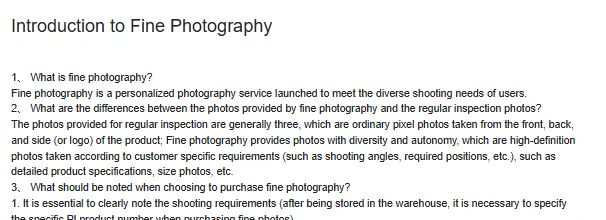
The only place Oopbuy states how many free photos you get is its Introduction to Fine Photography: "The photos provided for regular inspection are generally three, which are ordinary pixel photos taken from the front, back, and side (or logo) of the product."
"Generally" is doing real work there. It is a norm, not a promise, and a pair of shoes or a two-piece set can need more than three angles to show anything useful.
The Customized Logistics Services page confirms the price: "Standard QC photos taken by the warehouse in accordance with inspection guidelines are free of charge." Anything beyond the standard set is a paid service, described below.
What an Oopbuy intake photo carries
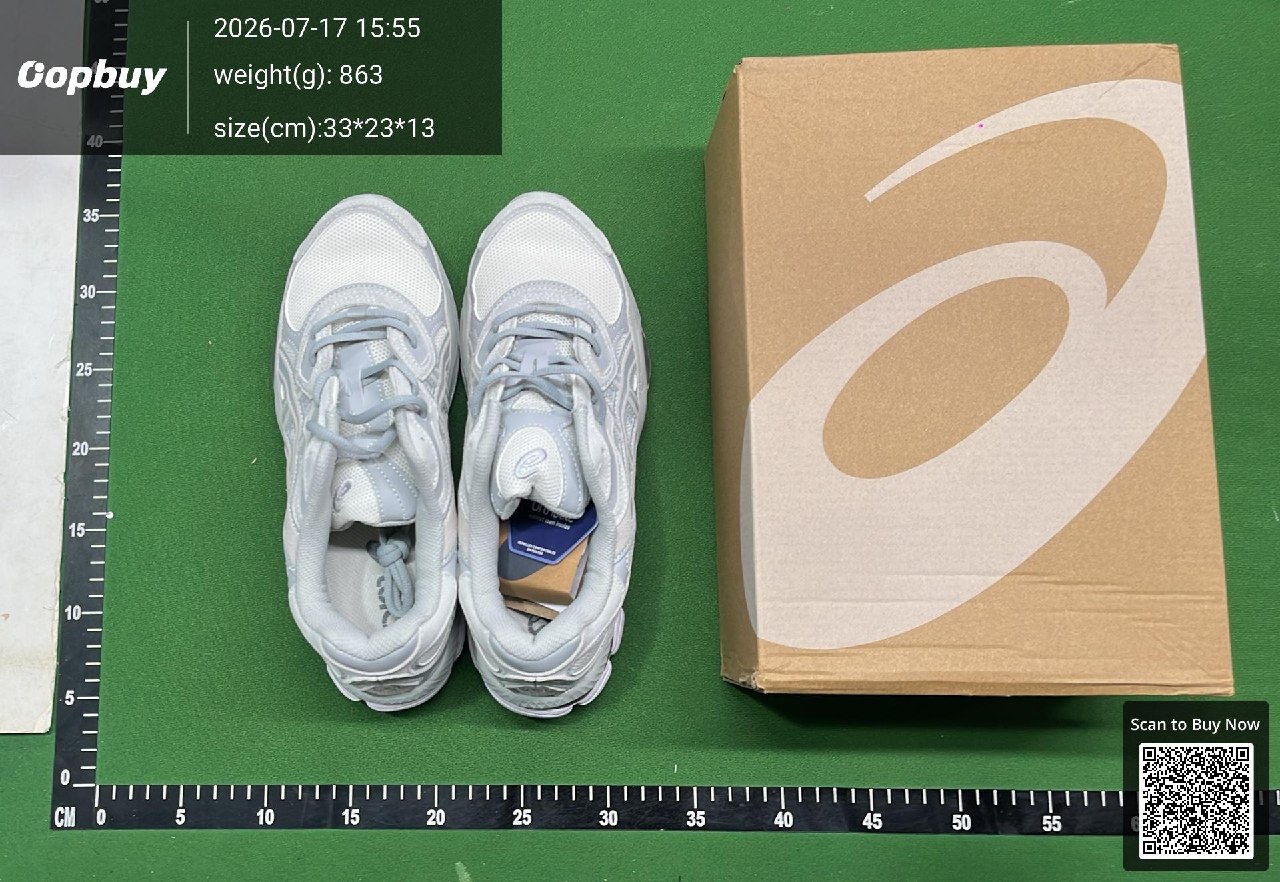
A real Oopbuy warehouse photo is more than a snapshot. In the sample here, dated 17 July 2026, the item sits on a green cutting mat with a printed centimetre ruler on two edges, and the image carries a timestamp, the measured weight in grams and the dimensions in centimetres.
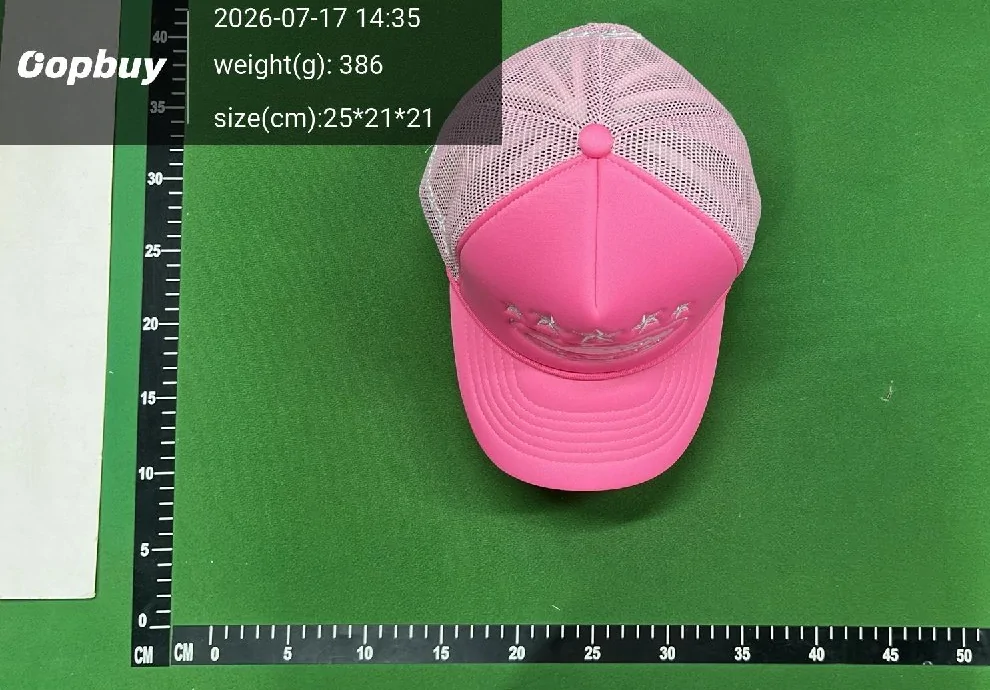
That overlay is the most useful part of the picture. It records when the item was checked, what it weighed and how big its packed size was, which are the three numbers you need for shipping. The ruler helps with rough proportions but is not a measurement of the garment itself.
Photos also carry a scan-to-buy QR code in one corner. It is cropped out of the copy shown here.
How to check QC photos from the intake
Read the photos against the list the inspector worked from, in the same order. Quantity first: is everything there. Then colour, broadly. Then the size label, zoomed in. Then model or version marks. Then the surfaces, for stains and damage.
- Open the listing in a second window and put the two side by side.
- Check the label photo for the size you ordered, not the size you expected.
- Look for the things the bench does not cover: shade, proportions, stitching quality, print alignment.
- Read the weight and dimensions in the overlay and note them for the shipping estimate.
- If anything is unclear, request a detail photo now, inside the 120-hour return window, not after it.
One more check that saves money: compare the weight in the overlay with the seller's stated weight, if the listing gives one. A large gap is not proof of a problem, since packaging counts, but a pair of boots weighing half of what the seller claims is worth a question before the return window closes.
Detail photos and fine photography: what you pay for
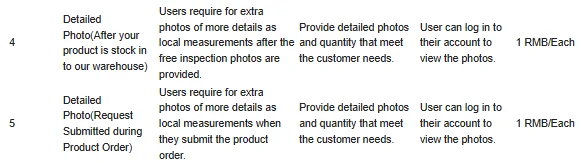
Oopbuy sells two levels of extra photography. Detailed Photo costs 1 RMB per photo, requested either after stock-in or at the time you place the order. Fine Photography is a custom high-definition shoot to your instructions, priced on request, for which you must state the product's PI number and confirm the count of photos.
The Customized Logistics page lists what people typically ask for: shoe length, insole length, trouser length, garment length and width, logo placement. Those are exactly the things the free set does not show, because the free set is about matching the order, not describing the item.
Write requests as numbered, one measurement per photo. "Insole length with ruler visible" gets you a number. "More pictures please" gets you more of the same three angles.
Photo request writer
Tick what you need. The note below is short, numbered and asks for one thing per photo, which makes it easy for the warehouse to price and to fulfil.
Where the photos sit in the intake
Photos come after opening, checking and weighing, which is why they show the item out of its courier box and often already in an Oopbuy self-sealing bag. They are the record of the intake, not a separate inspection.
Treat them as your one look at the item before it is packed again for the trip abroad. Everything you can still change, a return, an exchange, a removed shoe box, a split parcel, depends on what you see in these frames and how quickly you act on it.
A photo can answer one question and leave another open
In this overhead shoe photo, both shoes, their colour and the box are visible. It does not show the inner size label, outsole or measured insole length. Those are separate views to request if they matter to your decision.
Use a clear request such as “measure the insole from heel to toe with the ruler visible.” Keep the order option beside the new image. A recorded item weight includes whatever packaging was weighed; it is not the final combined parcel weight.
The inspection record is not brand authentication, a comfort test or a promise of durability. Choose between keeping the item, requesting evidence and discussing a return before removing tags or packaging and paying international freight.